Image to Text
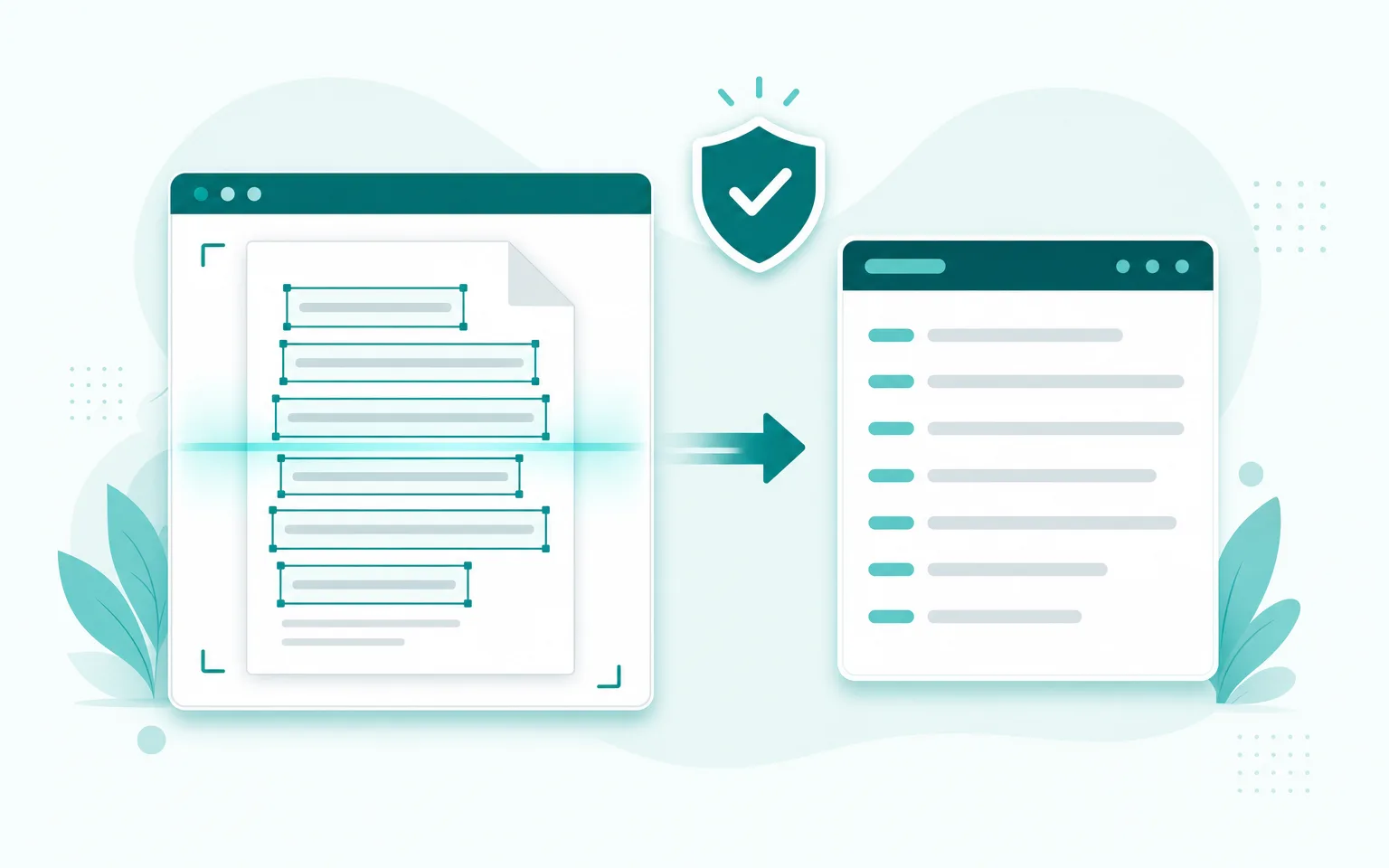
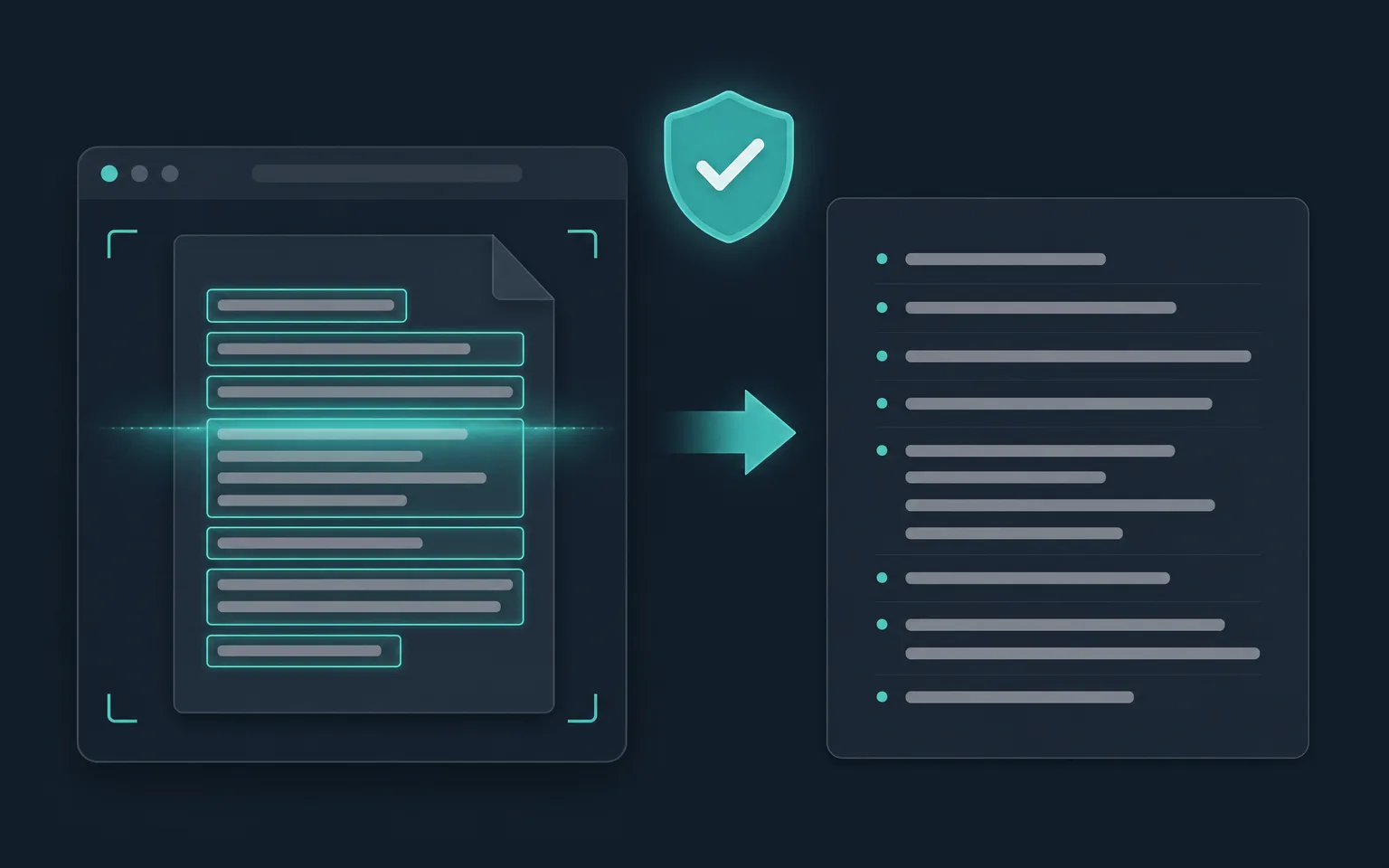
Extract editable text from any image — free, unlimited, and completely private. Everything happens inside your browser, so your files never leave your device.
Drop an image to scan
or choose an option below
JPG, PNG, WEBP, HEIC
Or press Ctrl/Cmd+V to paste
SafeOCR turns pictures of text into text you can actually edit. Point it at a screenshot, a scanned page, a photo of a whiteboard, or a receipt, and it pulls out the words so you can paste them into a document, a spreadsheet, an email, or a chat — no retyping. Because every step happens locally, it is a genuinely private alternative to the “upload your file to our server” tools that dominate search results.
Most online OCR sites work by sending your image to a backend you have no visibility into. For a bank statement, an ID, a medical form, or an internal document, that is a real privacy problem. SafeOCR removes the server from the equation entirely: the recognition model is downloaded once and then runs inside your browser tab, so there is nothing to intercept, log, or leak.
Nothing is uploaded
Recognition runs on your own device with a WebAssembly + WebGPU engine. No server ever sees your image.
50+ languages
One model reads English, Spanish, Portuguese and dozens more — including accented characters — with no language picker to fuss over.
Works offline
After the one-time engine download, the tool keeps working with no connection at all. Great on planes and locked-down networks.
Any device, any format
Drop a JPG, PNG, WEBP or iPhone HEIC from desktop or phone. Paste a screenshot or snap a photo with your camera.
Looking for a page built around one exact task? The dedicated extract text from image tool covers the same all-purpose conversion with instructions written for that exact phrase, while copy text from image is tuned for grabbing a quick snippet to paste elsewhere, scan to text turns a camera capture into a searchable document, and image to Word exports straight into an editable .docx.
Need something more specific? SafeOCR also has focused tools for screenshots, photos, PDF files, and bulk batches, plus format-specific pages for JPG, PNG, WEBP and HEIC — all built on the same private, on-device engine.
How to convert an image to text
Add your image
Drag a file onto the box above, click to browse, paste a screenshot with Ctrl/Cmd+V, or use your camera. JPG, PNG, WEBP and HEIC are all supported.Let it read on your device
The first time, a small OCR engine downloads and caches locally. Recognition then runs right in your browser — usually in a second or two — with no upload.Copy or download the text
Review the extracted text, click any highlighted box to grab just that line, then copy everything or export a .txt or .docx file.
Frequently asked questions
Is this image-to-text converter really free?
Yes. There are no accounts, no watermarks, no page limits, and no paid tier. The tool is ad-supported and free to use as much as you like.
Are my images uploaded to a server?
No. The OCR engine runs entirely in your browser using WebAssembly and WebGPU. Your image is read on your own device and is never sent anywhere.
Which image formats can I convert?
JPG/JPEG, PNG, and WEBP are decoded natively, and Apple HEIC photos from iPhone are converted automatically. You can also paste screenshots or capture straight from a camera.
What languages does it recognize?
The built-in model reads 50+ languages out of the box, including English, Spanish, and Portuguese with full accented-character support — no language selection needed.
Can I use it offline?
Yes. After the one-time engine download it is cached on your device, so the converter keeps working with no internet connection.
How accurate is the extracted text?
It uses the PP-OCRv6 model and is highly accurate on clear printed text and screenshots. Sharp, well-lit, straight images give the best results; very low-resolution or heavily stylized text is harder.
Runs entirely in your browser — your files never leave your device.
How we built thisLast updated July 4, 2026