JPG to Text
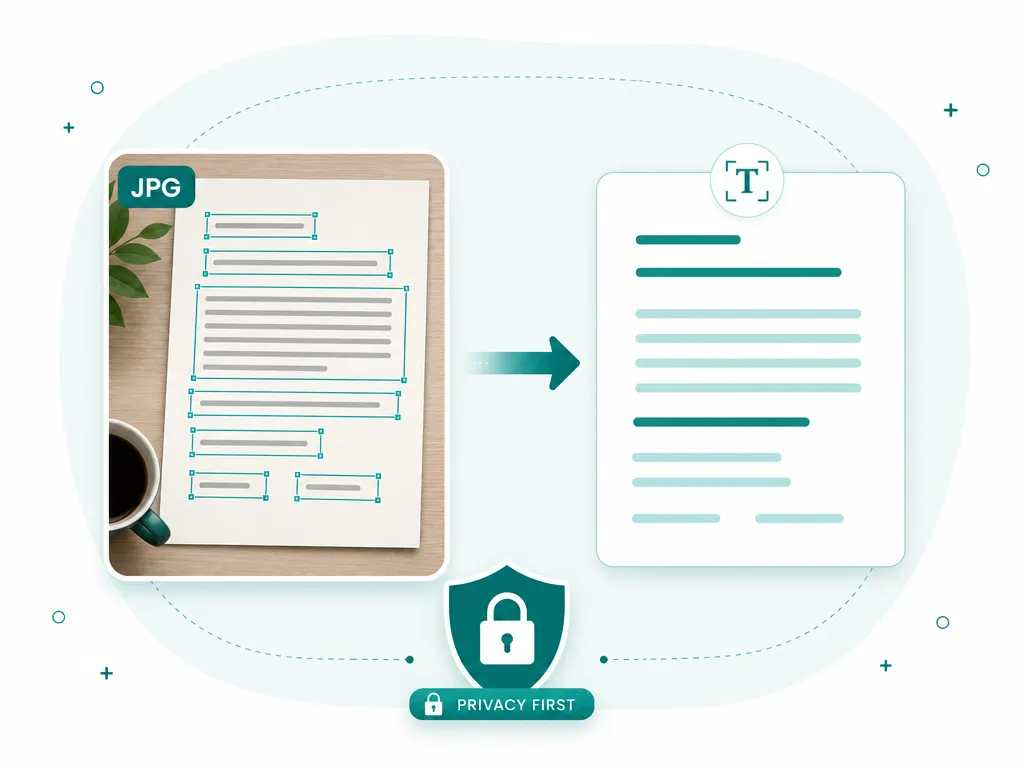
Turn a .jpg or .jpeg — a camera photo, a downloaded picture, a saved screenshot — into text you can select, edit, and paste, without the file ever leaving your device.
Drop an image to scan
or choose an option below
JPG, PNG, WEBP, HEIC
Or press Ctrl/Cmd+V to paste
JPG is the format most of your text-bearing images are already in. It is what phone cameras shoot, what screenshots often save as, and what the web serves for the vast majority of photos, so a picture with words in it — a receipt, a whiteboard, a book page, a menu, a sign — has probably arrived as a .jpg or .jpeg without you choosing it. This tool reads that file directly and gives you the words back as editable text.
Worth knowing up front: .jpg and .jpeg are the identical format, just two spellings of the same extension, so you never need to rename or convert anything. What genuinely affects a JPG is its lossy compression. Unlike a lossless screenshot, every JPEG throws away some detail to shrink the file, and each time an image is re-saved — forwarded through a chat app, screenshotted off a screen, downloaded and re-uploaded — that loss compounds. The visible symptom is faint blocky halos and color speckle clustered around sharp edges, and letter edges are exactly the sharp edges the format struggles with most. For clean, crisp text this is invisible and recognition is excellent; for tiny or badly over-compressed type those artifacts can blur one character into the next.
The practical takeaway: when you control the capture, favor the original photo over a screenshot of it, and export at a higher quality rather than the smallest possible file. The engine decodes JPEG natively, so a high-quality source goes straight in with nothing lost to a conversion step. Common sources it handles every day include camera snapshots of documents, saved images from messaging apps, product and packaging photos, and pictures pulled from web pages.
Everything happens on your own device, using the same PP-OCRv6 recognition model as every other SafeOCR tool. It runs inside your browser with WebAssembly and WebGPU, so your JPG is never uploaded, and after the one-time engine download the tool keeps working offline. That matters more for photos than almost any other file: a camera roll is full of faces, locations, and documents you would rather not hand to a stranger’s server just to read a few lines of text.
If your source is a scanned document instead of a single photo, the PDF to Text tool streams results page by page; to work through a folder of JPGs in one go, Batch OCR processes them all at once.
How to convert a JPG to text
Add your JPG
Drop in a .jpg or .jpeg file, pick one from your gallery, paste a copied photo, or shoot a fresh one with your camera.Recognize it on your device
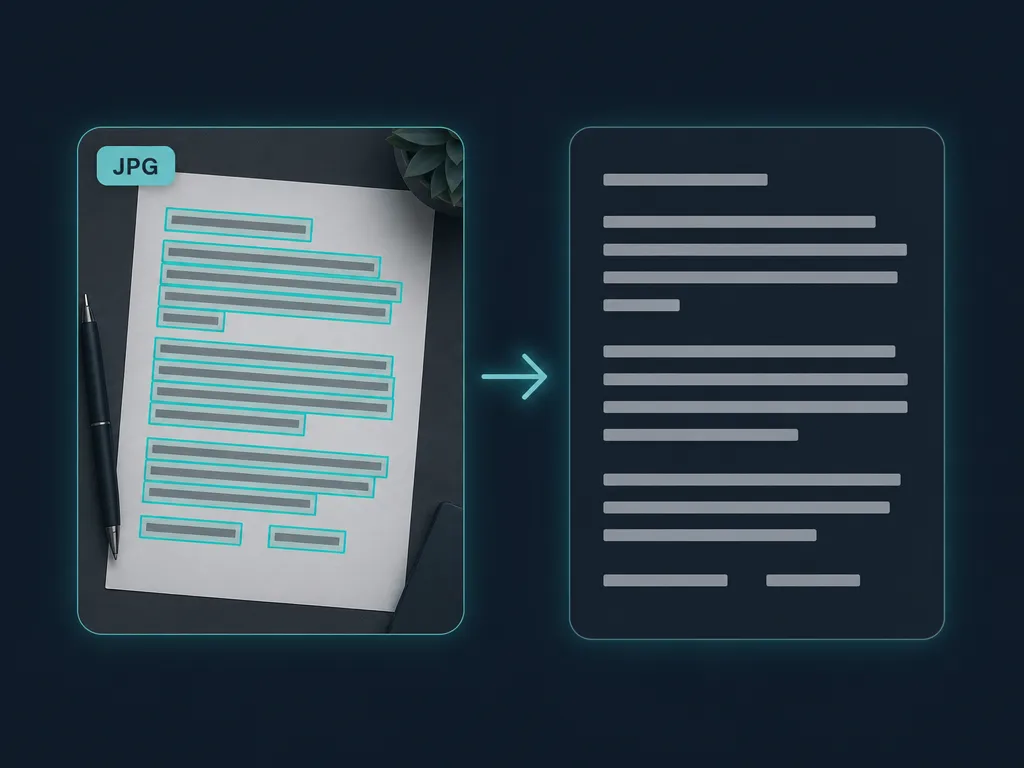
The JPG is decoded and read locally. Text blocks are detected with bounding boxes and kept in their natural top-to-bottom order.Copy or export the text
Copy everything at once, click a single box to grab just one line, or download the result as a .txt or .docx.
JPG to text — FAQ
Does it matter whether my file is .jpg or .jpeg?
Not at all. .jpg and .jpeg are two names for the exact same format — the shorter extension is just a leftover from old systems that capped extensions at three letters. Both decode identically here.
Will heavy JPEG compression hurt the accuracy?
Usually only a little. Photos saved at high quality read cleanly. A JPG that has been re-saved many times, shrunk small, or exported at very low quality develops blocky compression artifacts around letters, which can smear fine text — capturing or exporting at a higher quality gives the best result.
Do I need to convert my JPG to PNG first?
No. The engine decodes JPG and JPEG natively, so there is no conversion step and no quality-losing round trip. Just load the file as-is.
Is there a maximum file size or number of photos?
There is no imposed size cap or daily limit. Because the whole process runs on your own hardware, the practical ceiling is your device's memory — everyday phone and camera JPGs are handled comfortably.
Are my photos uploaded anywhere?
No. Your JPG is decoded and recognized inside the browser tab. Neither the photo nor the text it contains is sent to, or stored on, any server — a real concern given how much personal detail sits in the average camera roll.
Read: What actually makes a free OCR tool good
Runs entirely in your browser — your files never leave your device.
How we built thisLast updated July 4, 2026