WEBP to Text
Got a .webp image you saved from a website? Read the text straight out of it — no format conversion, no upload, all handled in your browser.
Drop an image to scan
or choose an option below
JPG, PNG, WEBP, HEIC
Or press Ctrl/Cmd+V to paste
If you save images from the web these days, you end up with .webp files whether you meant to or not. WebP is the modern image format Google built for faster-loading pages, and the big sites — search results, product listings, news photos, social feeds — now ship almost everything in it. Right-click, “Save image as,” and the thing that lands in your downloads folder is a WebP. When that saved image happens to contain text you actually need — a price, a quote, a phone number, a chunk of a document someone screenshotted — you want to get that text out, and the format shouldn’t be what stands in your way.
The catch is that plenty of tools still choke on WebP. You paste it into an OCR box and it complains, or it silently ignores the file, and now you’re off hunting for a “webp to jpg” converter just to feed the picture into something else. SafeOCR skips that whole detour: WebP is decoded natively in the browser, right alongside JPG and PNG, so you drop the .webp straight in and read the text. There is no intermediate file to make, keep track of, or delete.
WebP also comes in two flavors, and both work here. The lossy variant is the compact one you’ll get from most photographic content on the web; the lossless variant is sharper and shows up when a screenshot or a text-heavy graphic is exported as WebP. Because lossless keeps letter edges crisp, those files tend to read especially cleanly — but either way, the recognition quality follows the picture itself, not the container it arrived in.
And none of it leaves your machine. The WebP is unpacked and read on-device by the PP-OCRv6 model using WebAssembly and WebGPU, so a .webp lifted from a private dashboard, a paywalled article, or an internal tool is processed right in your tab and nowhere else — nothing about the image or the extracted text is sent to or stored on a server. After the one-time engine download it even works offline, which is a fair bit more than you can say for a random online converter.
Working from a plain screenshot instead of a saved WebP? PNG to Text handles that format the same way, and an ordinary photo converts just as easily with JPG to Text.
How to turn a WEBP image into text
Drop in the .webp file
Drag the WebP image in, browse for it, or paste it straight from your clipboard. There is no need to re-save it as a JPG or PNG first.Let the browser decode and read it
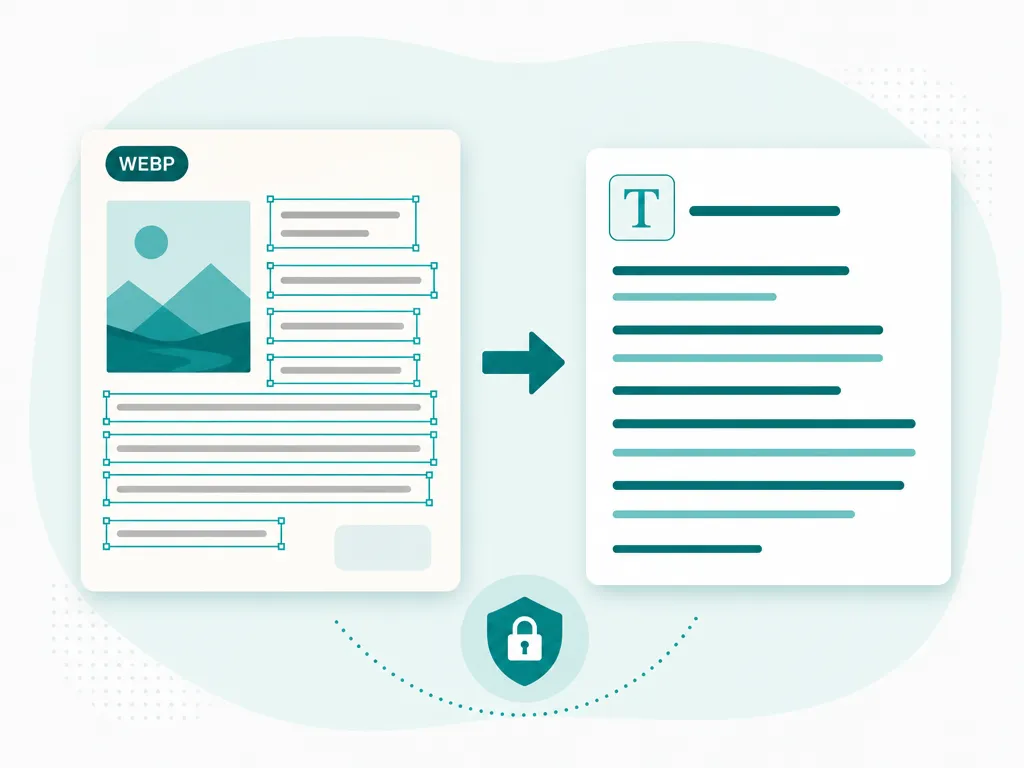
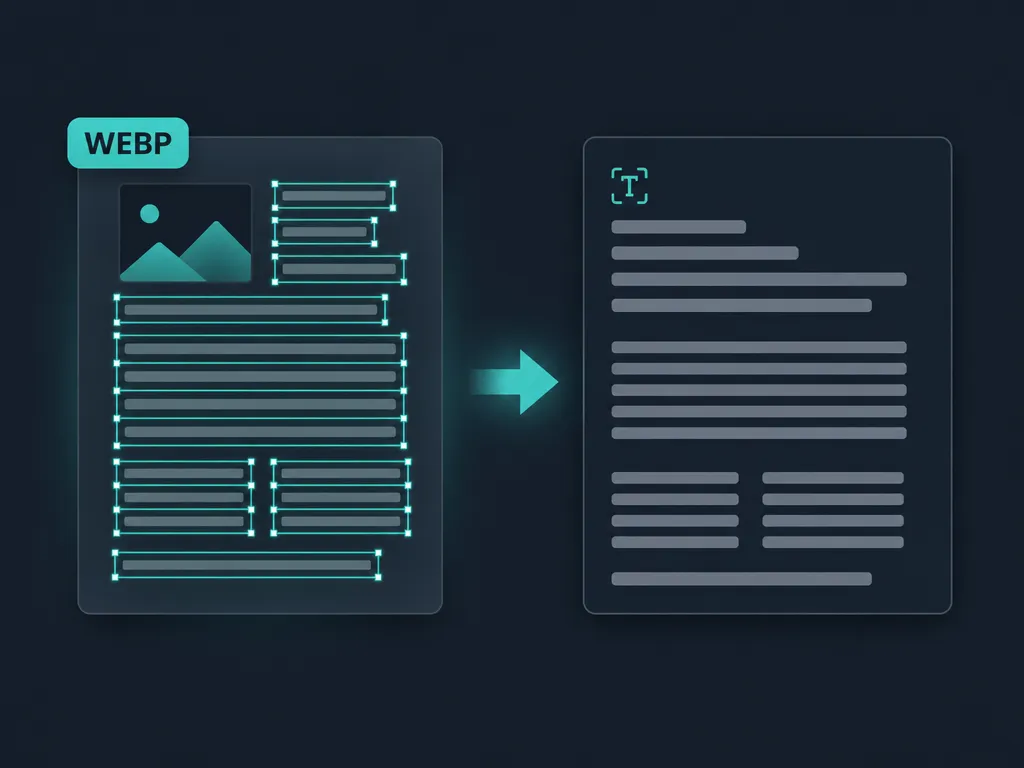
The WebP is decoded natively and text is detected on-device with bounding boxes, keeping the original reading order intact.Copy or export the text
Copy everything at once, click a single box to grab one line, or save the result as a .txt or .docx file.
WEBP to text — FAQ
Why is the image I saved from a website a .webp file?
WebP is Google's image format for the web, and most modern sites now serve their photos and graphics in it because the files are smaller. So when you right-click and save an image, your browser keeps whatever the site sent — which is increasingly a .webp rather than a .jpg or .png.
Do I need to convert the WEBP to JPG or PNG first?
No. A lot of OCR tools quietly reject WebP and force you to convert it elsewhere first, but this one decodes .webp directly in the browser. You point it at the WebP file and read the text — the extra conversion step is gone.
Does it handle both lossy and lossless WebP?
Yes. WebP comes in a compressed lossy variant and a sharper lossless one, and both decode the same way here. Lossless files, like screenshots exported as WebP, tend to give the cleanest recognition because the text edges stay crisp.
What about an animated WEBP?
Animated WebP files (the format's answer to GIFs) are read from their first frame, which is where any caption or overlay text almost always sits. If the text you need appears in a later frame, save that frame as a still image and drop it in.
Is my WEBP image kept private?
Yes. The file is decoded and recognized entirely in memory on your own device. Neither the WebP image nor the text pulled out of it is ever uploaded, stored, or logged on a server.
How accurate is the recognition on WEBP files?
Accuracy tracks image quality, not the format. The engine reads WebP exactly as well as it reads a JPG or PNG of the same picture, so a clear, high-resolution WebP produces clean, dependable text.
Read: Is online OCR actually safe?
Runs entirely in your browser — your files never leave your device.
How we built thisLast updated July 4, 2026