The Best Free OCR Tools in 2026
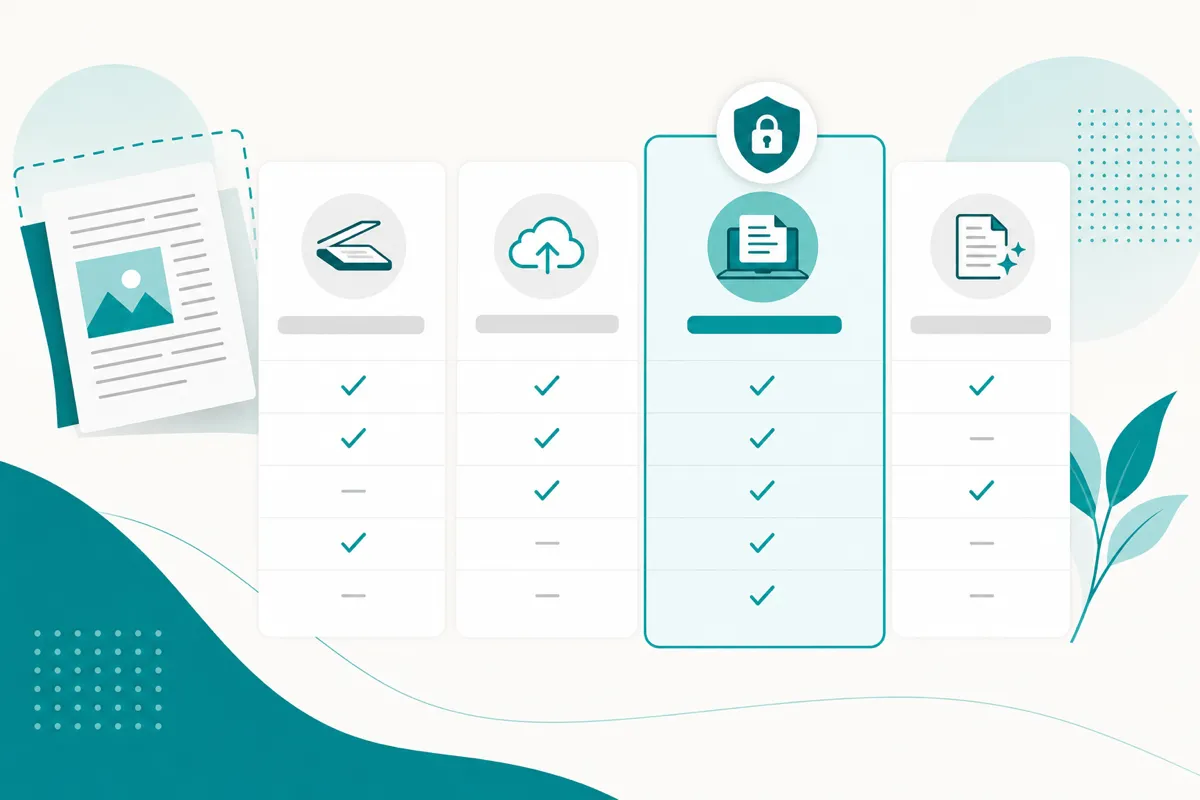
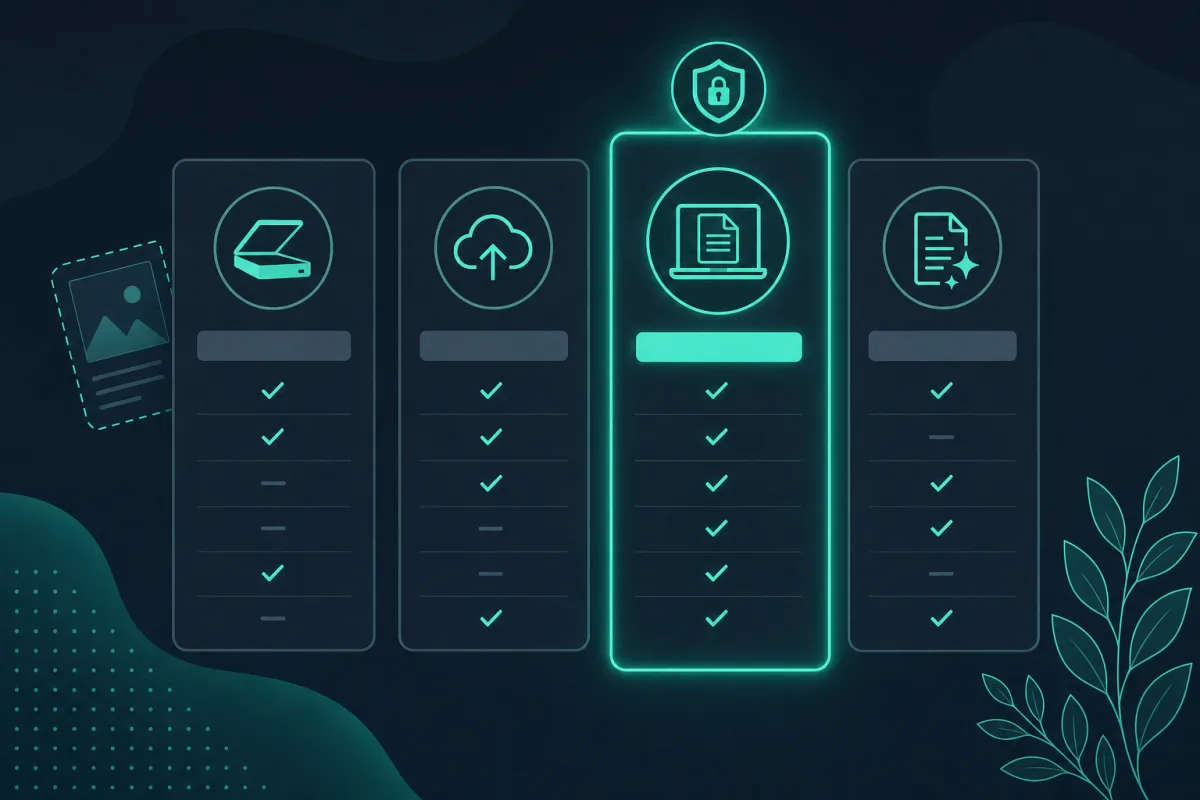
The short answer: if privacy and no page caps matter most, an on-device tool like SafeOCR is the safer free pick; for a quick one-off lookup, Google Lens is already on your phone; and if you’re automating your own pipeline, Tesseract is the truly unlimited (if code-only) option. Every other “free OCR” site lands somewhere between those three, usually trading your file’s privacy or a page cap for convenience.
“Free OCR tool” describes dozens of very different products, and the differences between them matter more than the price tag. Some are free because they run entirely in your own browser with nothing to pay for on the server side. Others are free because a limited tier funnels you toward a paid account, or because they are bundled into a product you already use for other reasons. Rather than a generic checklist, here is how five real options people actually reach for stack up, shortcomings included.
SafeOCR
SafeOCR runs the open-source PP-OCRv6 model locally in your browser via onnxruntime-web, using WebAssembly and, where available, WebGPU. There is no account, no upload, and no daily cap — every image is processed on your own device, which you can confirm yourself by watching the network panel while it runs (see is online OCR safe for why that distinction matters). It handles JPG, PNG, WEBP, HEIC, and multi-page PDFs. The honest tradeoff: a very large batch — hundreds of pages — runs one page at a time on your own device rather than a server farm, so a huge job takes real time on your machine instead of disappearing into someone else’s infrastructure.
Generic online OCR converters
Search “free online OCR” and most results are interchangeable-looking sites: upload an image or PDF, wait a few seconds, get text back. These are genuinely convenient — nothing to install — but the image leaves your device to get processed, and free tiers commonly cap the number of pages per hour or per day, or push ads and account sign-ups once you are past a first try. Accuracy and privacy practices vary enormously from one site to the next, and are rarely documented in a way you can actually verify.
Google Lens
Built into Android, Chrome, and Google Photos, Google Lens can select and copy text out of a photo for free with a Google account. Google has said it does at least some recognition on-device, but its own materials do not spell out, case by case, exactly which steps happen locally versus on Google’s servers — so you are trusting its privacy policy the same way you would with any cloud tool, not verifying it yourself. It is also built for quick single lookups rather than document workflows: there is no batch mode and no multi-page PDF handling.
Adobe Acrobat’s free online OCR
Adobe’s browser-based “Recognize Text” tool turns a scanned PDF into a searchable one at no cost, which covers a real and common need. The catch is in the name: it is a web upload tool, so your PDF goes to Adobe’s servers to be processed, you need an Adobe account to use it, and the free tier limits how many files you can run through it before it pushes you toward a paid Acrobat subscription. Fine for an occasional one-off PDF; not built for repeated daily use.
Tesseract
Tesseract is the open-source OCR engine originally developed at HP and now maintained as a Google-sponsored open-source project. There is nothing to upload because there is no service at all — you install it yourself, and it runs entirely on your own machine, genuinely free under the Apache 2.0 license with no cap of any kind. The tradeoff is real: it ships as a command-line program with no official graphical app, so using it means either learning the CLI, scripting it into a pipeline, or installing a separate third-party GUI wrapper — and getting clean results out of a messy real-world photo generally takes more manual image preprocessing than a modern deep-learning pipeline needs by default. It is an excellent building block for a developer automating a document pipeline, and a poor fit for someone who just wants to paste a screenshot and get text back in a few seconds.
Quick comparison
| Comparison dimension | SafeOCR | Generic converters | Google Lens | Adobe Acrobat’s free tool | Tesseract |
|---|---|---|---|---|---|
| Uploads your file to a server | No | Yes | Largely yes | Yes | No |
| Works fully offline (after the initial load or install) | Yes | No | No | No | Yes |
| Price | Free, no account | Free with daily/file caps, often ad-supported | Free with a Google account | Free tier with usage limits, full app is a paid subscription | Free and open-source, no account |
| Format coverage | JPG, PNG, WEBP, HEIC, multi-page PDF | Varies by site | Photos, no PDF workflow | PDF-focused | Whatever image formats you feed it, no native PDF handling |
The short version
The best free OCR tool for most people is the one whose tradeoffs you actually understand before you use it — a tool that processes images on your own device and states its limits plainly is a fundamentally different bet than one that quietly caps you at page ten or routes your document through a server you cannot inspect. Price alone does not tell you which one you are getting; architecture does. For the mechanics behind how a browser can do this at all, see how browser-based OCR actually works.
Related tool
Extract Text from Image →