How Browser-Based OCR Actually Works
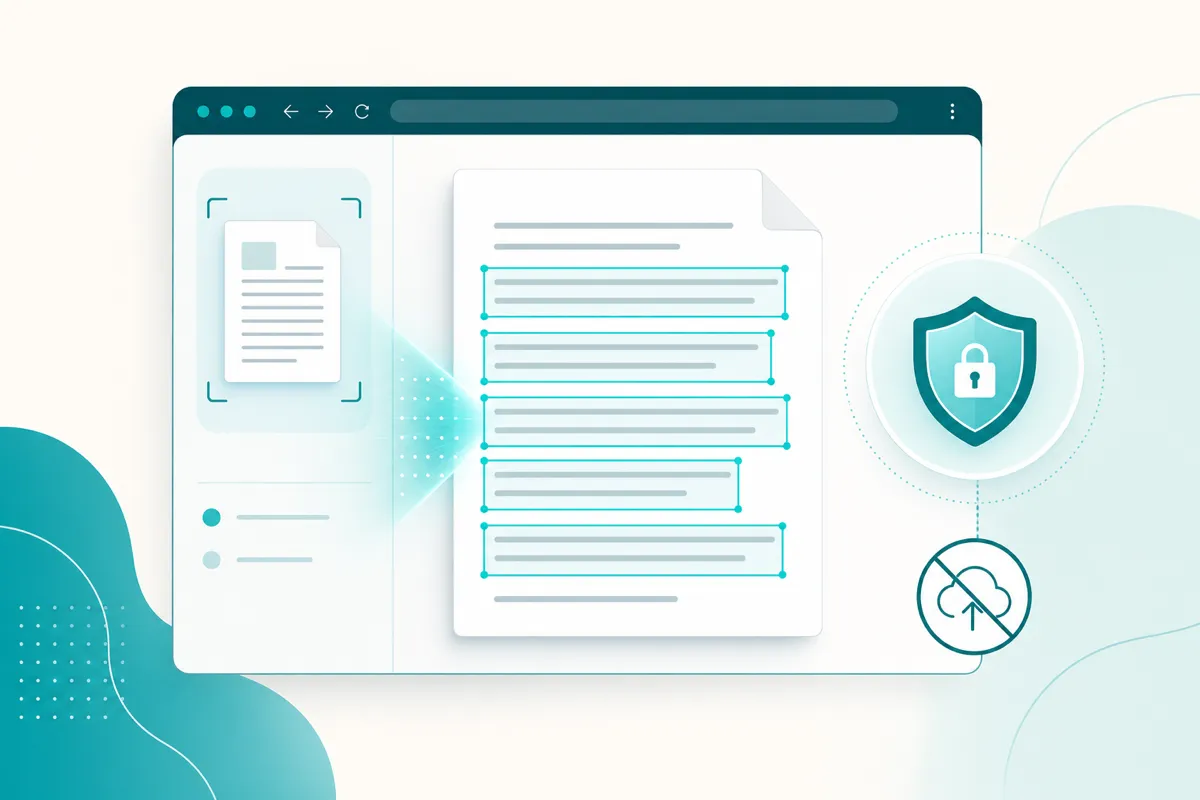
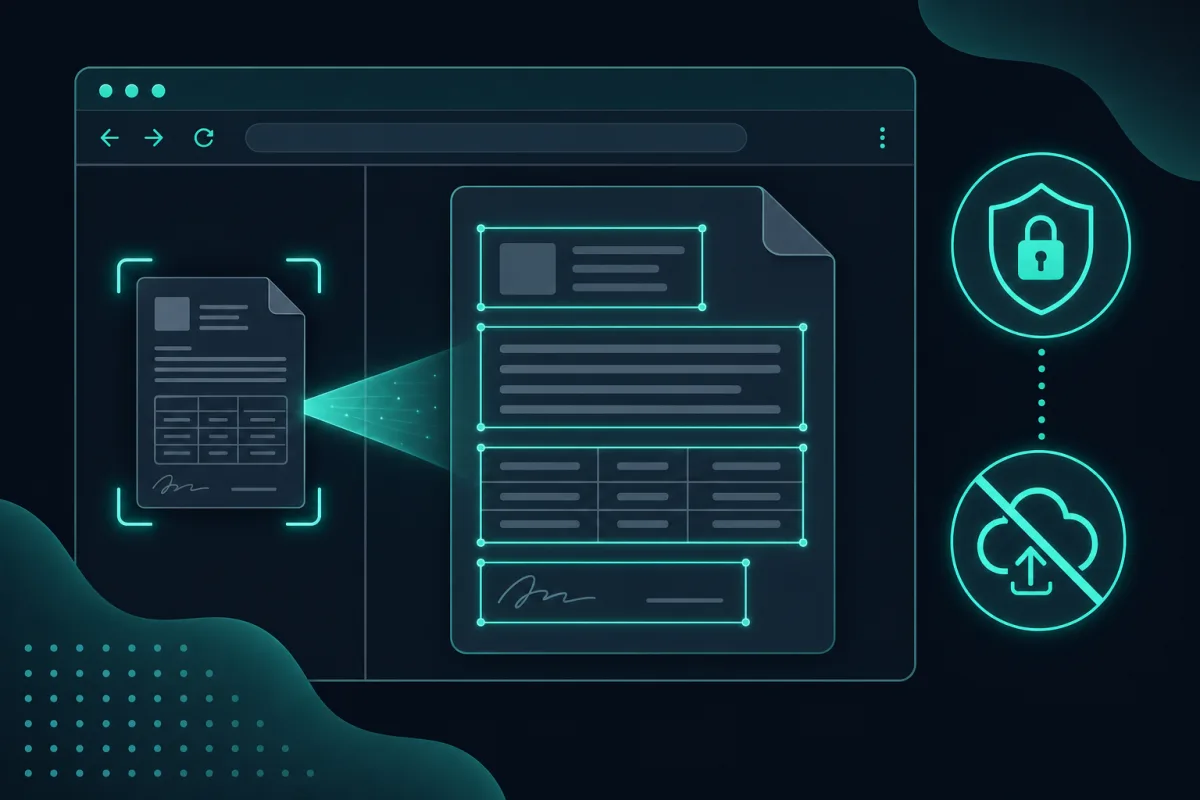
Browser-based OCR works by running two small neural networks — one that detects where the text sits, one that reads what it says — directly on your device using WebAssembly, with WebGPU speeding things up when it’s available. No server is involved at any point: once the models download once, everything after that happens locally in the tab.
Reading text out of an image without sending that image to a server sounds like it should not be possible in a browser tab — but it has been for a few years now, and the pieces behind it are worth understanding. Here is what actually happens between dropping in an image and getting text back on Extract Text from Image.
Two models, not one
“OCR” is usually two separate jobs. A detection model looks at the whole image and draws bounding boxes around every region that looks like text, without yet knowing what the characters say. A recognition model then looks inside each of those boxes and reads the actual characters. SafeOCR uses PaddleOCR’s PP-OCRv6, an open-source model pair originally trained for exactly this two-stage pipeline, and reuses it as-is rather than a proprietary black box — the same weights anyone can download and inspect, not a custom model trained behind an API.
Getting a trained model to run in a browser
PP-OCRv6 is exported in the ONNX format, a common interchange format for trained neural networks. The browser runs it using onnxruntime-web, Microsoft’s JavaScript/WebAssembly runtime for ONNX models — this is the piece that actually executes the math (convolutions, matrix multiplications) that turns pixels into predicted characters, without needing a native app or a server. Loading that runtime and the model weights is the one network request the whole process makes; it happens once and is then cached by the browser.
WebAssembly and WebGPU
By default, that execution happens via WebAssembly, a near-native-speed binary format every modern browser can run. Where the browser also supports WebGPU — a newer API for direct GPU access — the same model runs there instead, which is substantially faster for the matrix-heavy math OCR relies on. If WebGPU is not available or a particular GPU kernel is missing, the engine falls back to WebAssembly automatically, silently and without the recognition failing; either way, both run entirely on your device rather than a data center.
What actually comes back from the model
The output is not one undifferentiated string. Each recognized line comes back with its own bounding box — where it sits on the image — and a confidence score for how sure the model is about that particular line. That structure is what makes a clickable-box result UI possible in the first place: every detected line renders as its own box drawn over the picture, in the reading order the model recovered, rather than a single wall of text you have to untangle by hand. It is also why one garbled line in an otherwise clean image usually shows up as a single lower-confidence result rather than corrupting the whole page.
Why this means no upload
Once the model files are downloaded to your browser once, every later image is decoded and processed with no network request at all — the browser has everything it needs locally. That is not a policy choice about what the server “chooses” to keep; there simply is no server call in the recognition path to intercept. You can confirm this by watching your browser’s network panel while recognizing an image: after the initial model download, it goes quiet. The practical implications of that — what it means for the kinds of documents you can safely feed in — are covered in is online OCR safe.
Why open-source models matter here
Because PP-OCRv6 and onnxruntime-web are both open-source, the engine itself is not a mystery — the same components anyone can inspect are what actually runs. That is a meaningfully different trust story than a closed API where you only ever see input and output, and it is also why this architecture is not unique to SafeOCR — it is one option among several worth knowing about; see the best free OCR tools comparison for how it stacks up against upload-based alternatives. Read more about the stack and the reasoning behind it on the About page.
Related tool
Extract Text from Image →